
How to Withdraw Money from Play Rupees Game (JazzCash, Easypaisa, Bank)
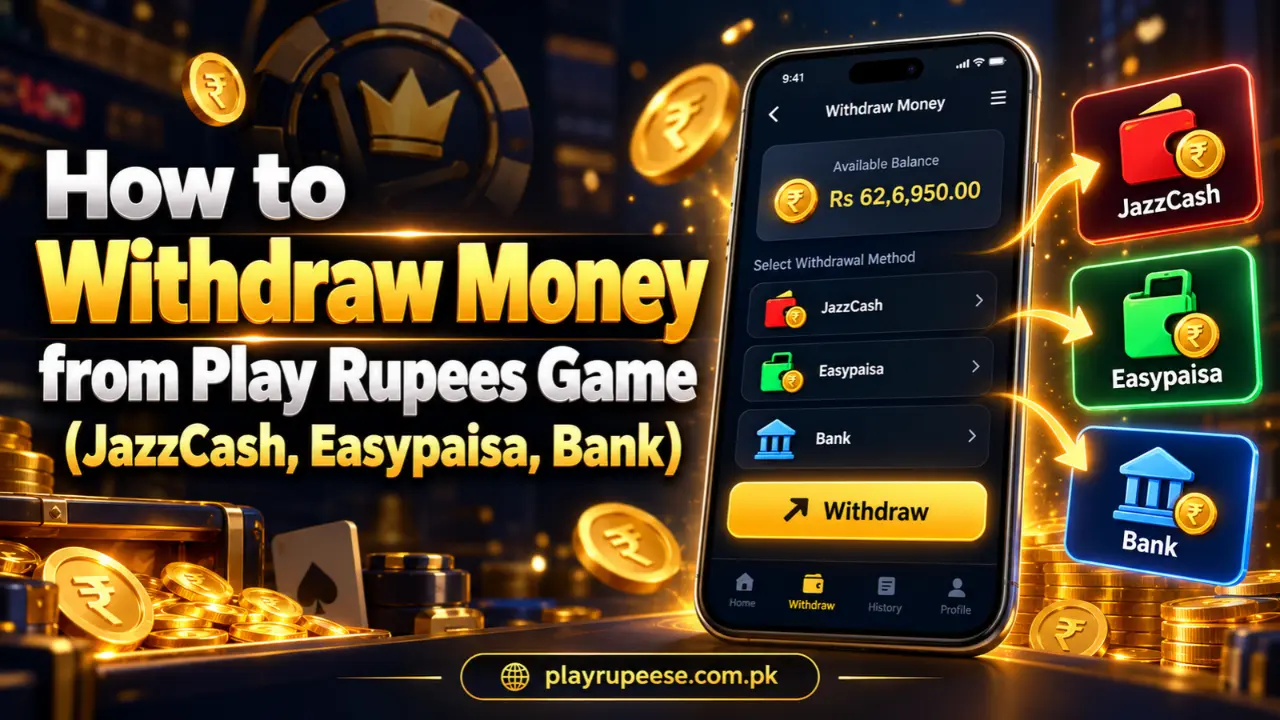
Play Rupees is a real money gaming app made for users in Pakistan. Players can add money, play available games and withdraw their available balance through JazzCash, Easypaisa or a bank account.
The minimum withdrawal amount is Rs 100. JazzCash and Easypaisa withdrawals are usually received within 10 minutes, while a bank transfer can take around 30 minutes. Always check your payment details carefully before submitting a request.
Requirements Before Withdrawal
Before withdrawing money from Play Rupees, make sure your account is ready. You must be registered with an active mobile number and have at least Rs 100 in your withdrawable balance.
You also need an active JazzCash account, Easypaisa account or bank account. The account number must be correct and able to receive money. If you enter the wrong number, your withdrawal can be delayed or sent to the wrong account. Bonus money may have separate conditions. Check your available or withdrawable balance instead of relying only on the total balance shown in the app.
How to Withdraw Money from Play Rupees
The withdrawal process is simple. Follow these steps carefully to avoid mistakes.
Open the Play Rupees App
Open the Play Rupees app on your Android phone. The APK file is only 8 MB, so it works smoothly on most Android devices.
Make sure your phone has a stable internet connection before starting the withdrawal.
Log In to Your Account
Enter the mobile number and password you used during registration. Tap the Login button to open your account.
If you cannot remember your password, use the Forgot Password option. Do not create another account with the same number.
Open the Withdraw Section
After logging in, open the wallet or account section. Tap the Withdraw option to see the available payment methods and your withdrawable balance.
Check Your Available Balance
Make sure you have at least Rs 100 available for withdrawal. If your total balance and withdrawable balance are different, some money may be connected to a bonus or an incomplete game condition.
Select a Payment Method
Play Rupees supports the following withdrawal methods:
JazzCash
Choose JazzCash and enter your active JazzCash mobile number. The money is normally received within 10 minutes after the request is approved.
Easypaisa
Choose Easypaisa and enter the mobile number connected to your Easypaisa account. Easypaisa withdrawals are also normally received within 10 minutes.
Bank Transfer
Select Bank Transfer and provide the required bank details. These may include the account holder’s name, bank name, account number and IBAN. Bank withdrawals can take around 30 minutes.
Enter Your Payment Details
Enter every detail carefully. Check each digit of your JazzCash or Easypaisa number before continuing.
For a bank transfer, confirm that the account number and IBAN are correct. The account holder’s name should match the information registered with the bank.
Enter the Withdrawal Amount
Enter the amount you want to withdraw. The minimum withdrawal is Rs 100. Do not enter more than your available withdrawable balance.
Review the amount before submitting the request because it may not be possible to change it after confirmation.
Confirm and Submit
Check the payment method, receiving number and withdrawal amount one final time. Tap Confirm or Submit only once.
After submitting the request, open the withdrawal history to check its status. Avoid sending another request while the first one is still processing.
How Long Does a Play Rupees Withdrawal Take?
JazzCash and Easypaisa withdrawals are normally received within 10 minutes. Bank transfers can take around 30 minutes because bank payments require additional processing.
If the money does not arrive within the expected time, check the withdrawal history first. Confirm whether the request is pending, completed, rejected or returned.
If Play Rupees shows the payment as completed but you have not received it, check your JazzCash, Easypaisa or bank transaction history. Contact support and provide the withdrawal amount, request time and transaction reference.
Common Withdrawal Problems
Withdraw Button Does Not Work
Check whether you entered an amount of at least Rs 100. Make sure every required payment field is complete and your internet is working.
Withdrawal Is Still Pending
Wait for the normal processing time. Wallet withdrawals can take up to 10 minutes, while bank transfers can take around 30 minutes.
Withdrawal Was Rejected
Check the reason shown in your withdrawal history. Common causes include an incorrect account number, insufficient withdrawable balance or incomplete payment details.
Money Was Sent to the Wrong Number
Contact support immediately and share the transaction details. However, completed payments sent to an incorrect number may be difficult to recover. This is why checking every digit before submitting is important.
Final Words
To withdraw money from Play Rupees, open the Withdraw section, choose JazzCash, Easypaisa or Bank Transfer, enter the correct details and submit your request. The minimum withdrawal is Rs 100.
JazzCash and Easypaisa payments are normally received within 10 minutes. Bank transfers can take around 30 minutes. Deposits can be as high as Rs 50,000 and normally appear in the account within a second.